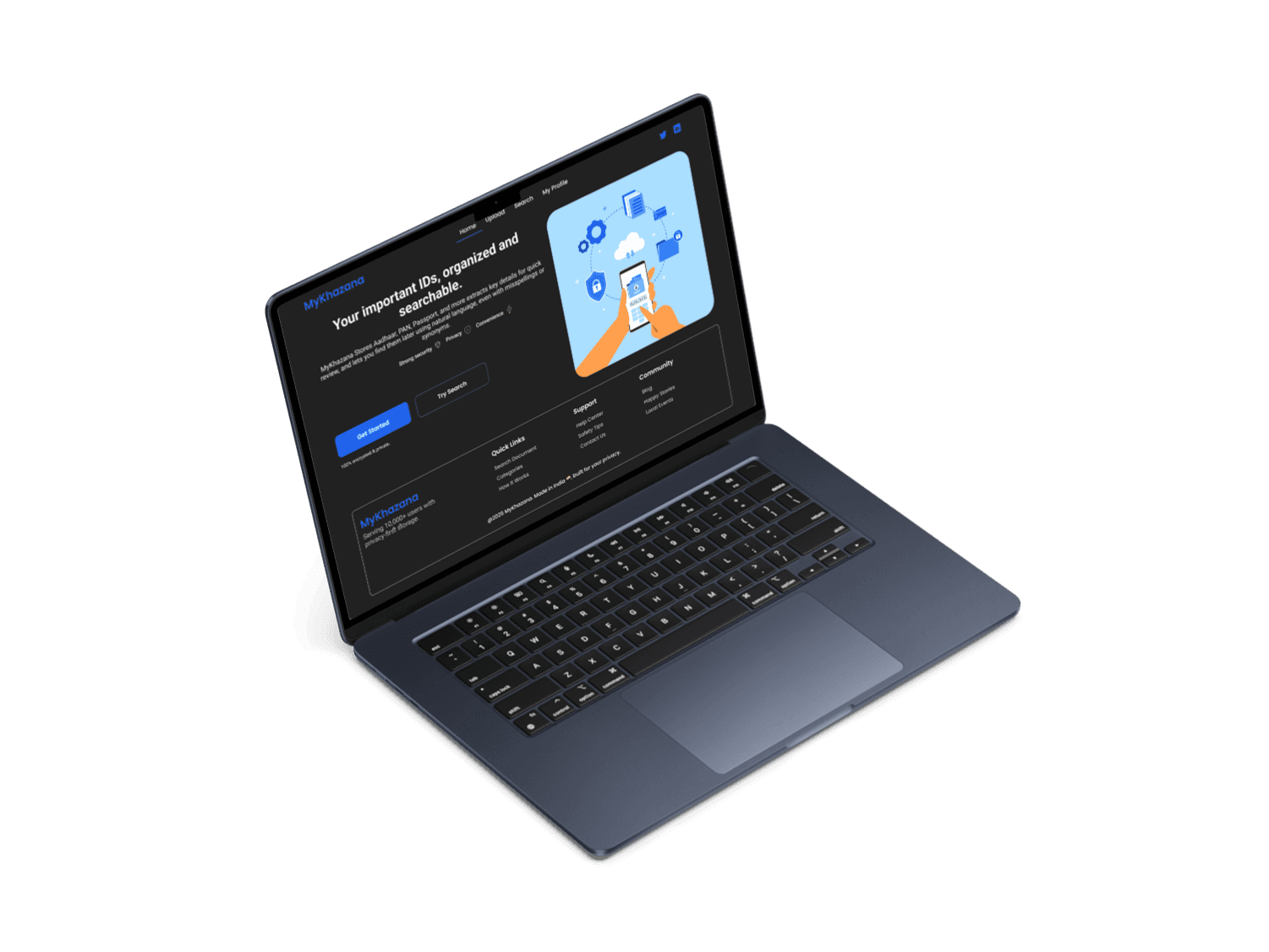
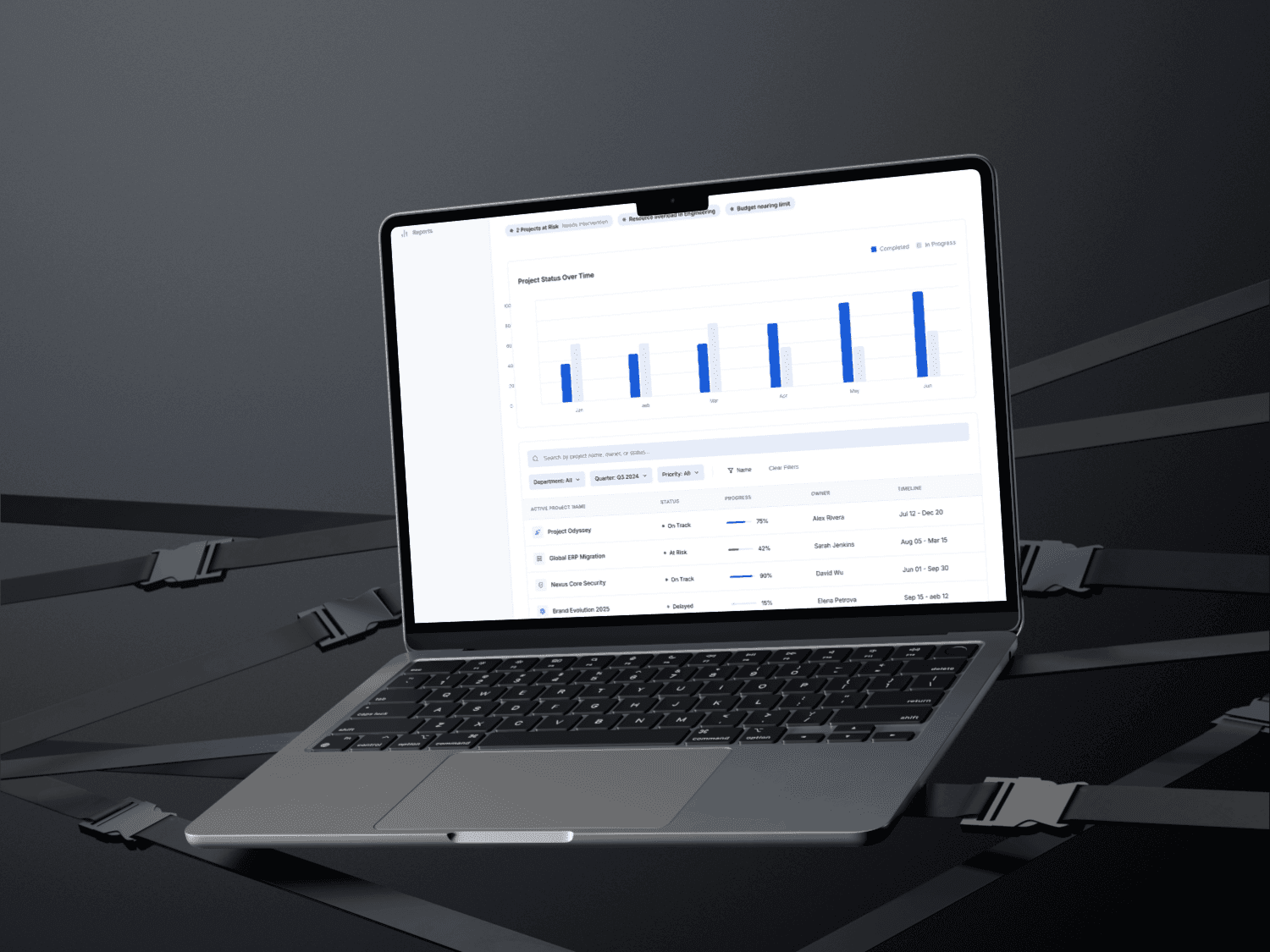
Title: Document Upload & Management Flow – SaaS Web App (Desktop-first Design)
Timeline: 4 weeks (2025)
Role: UX Designer (Research, Wireframing, Prototyping, UI Design, Animation)
Tools: Figma, FigJam, Miro
Type: SaaS Web Application (Desktop-first)
🧠 Overview
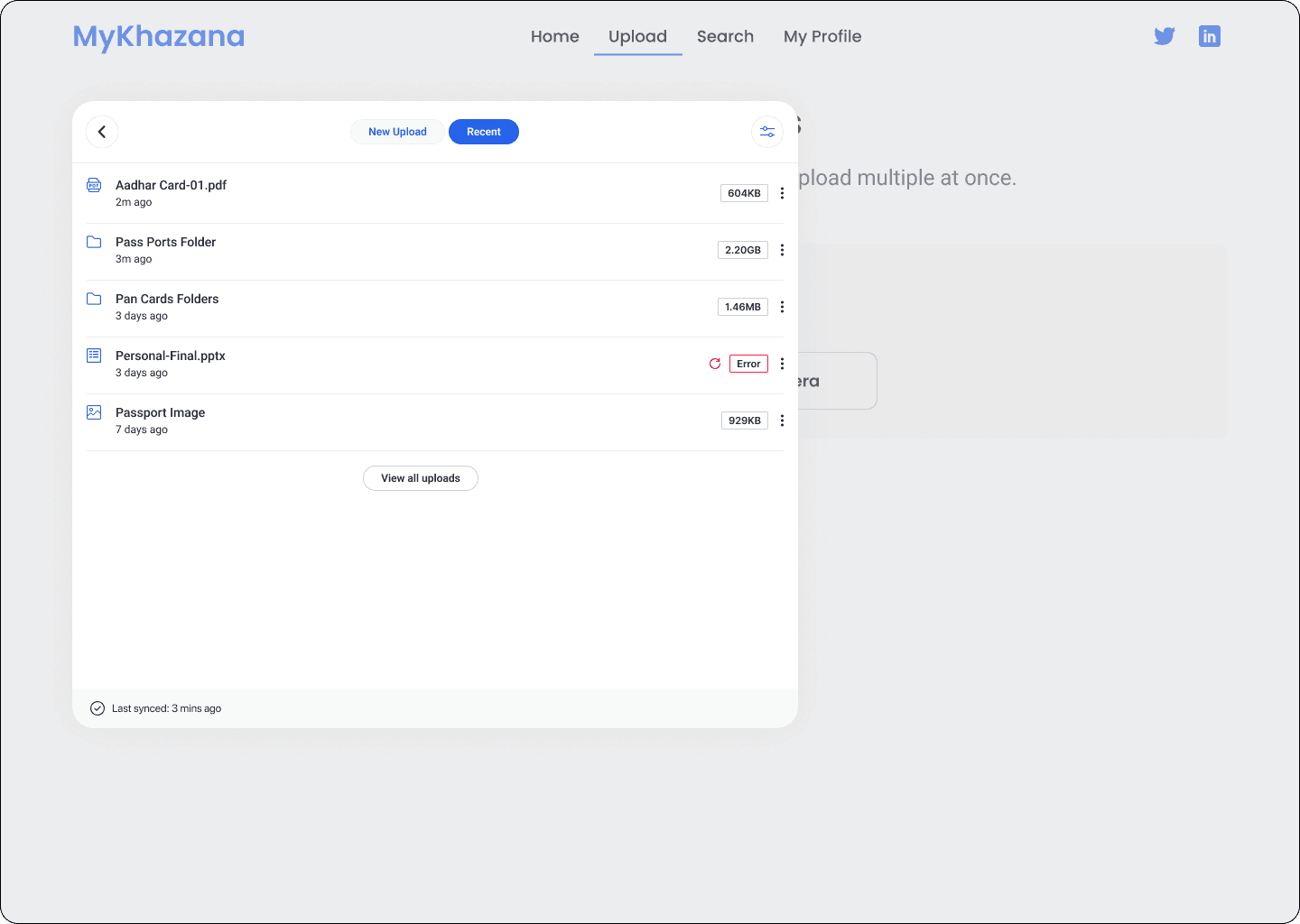
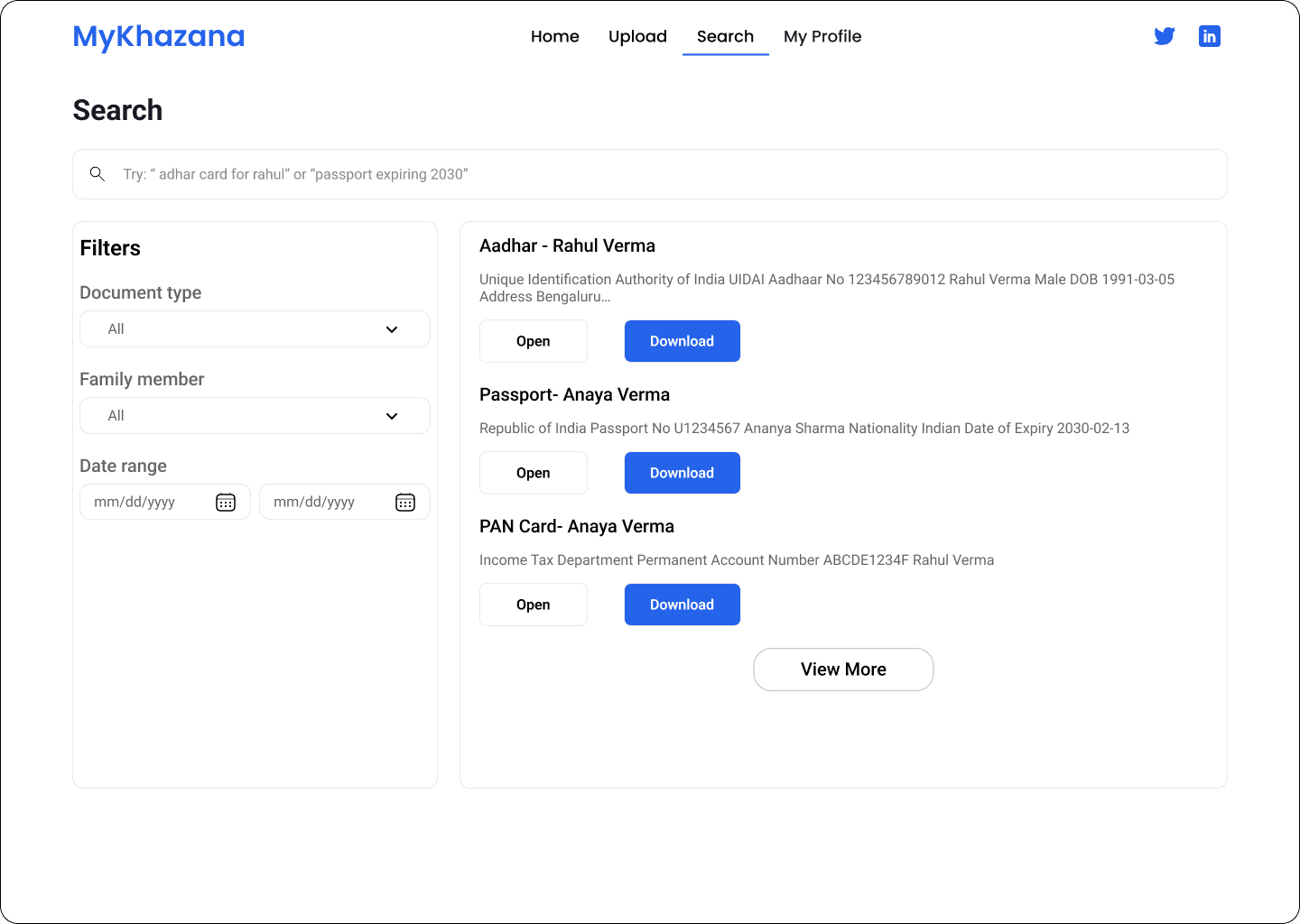
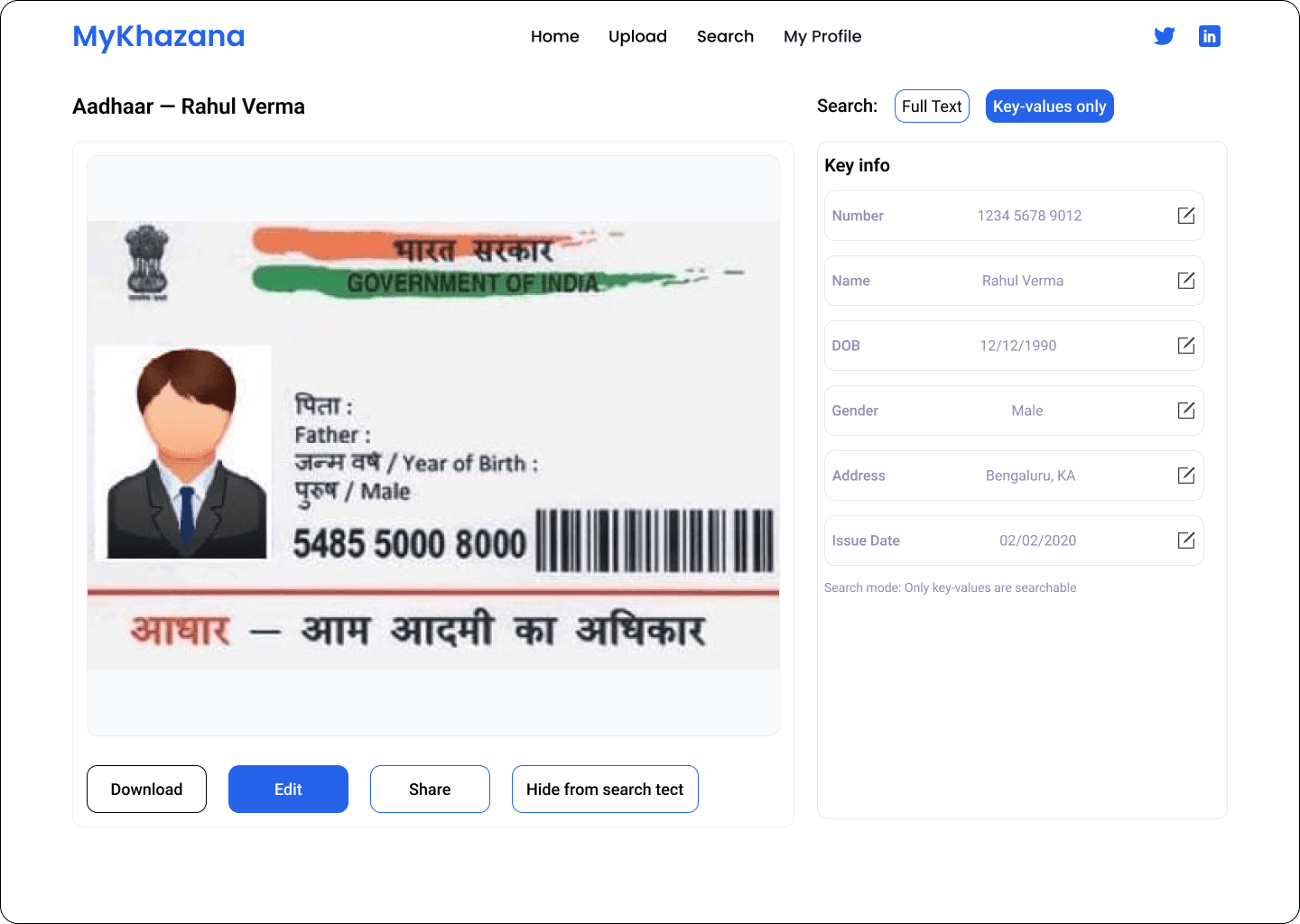
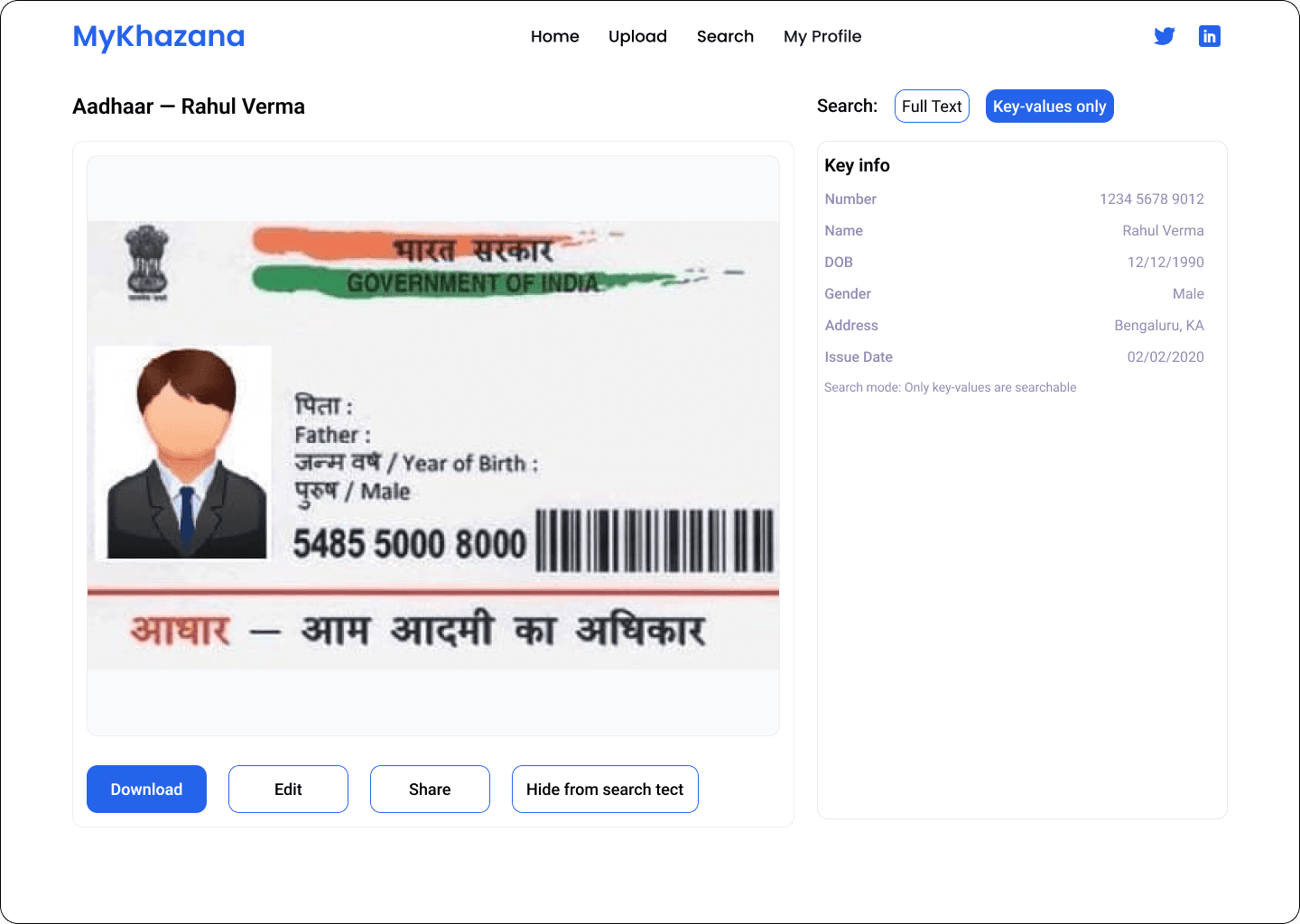
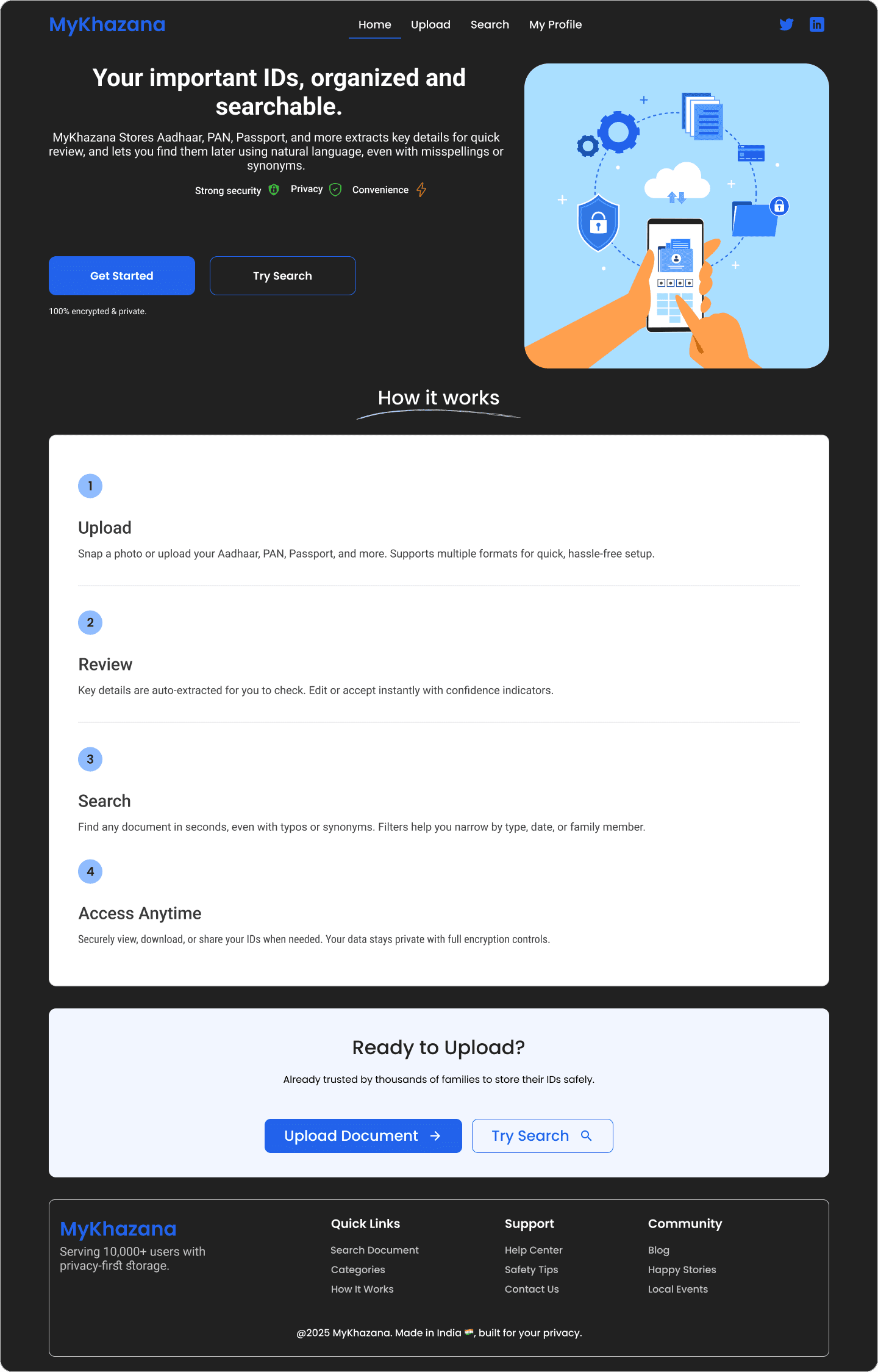
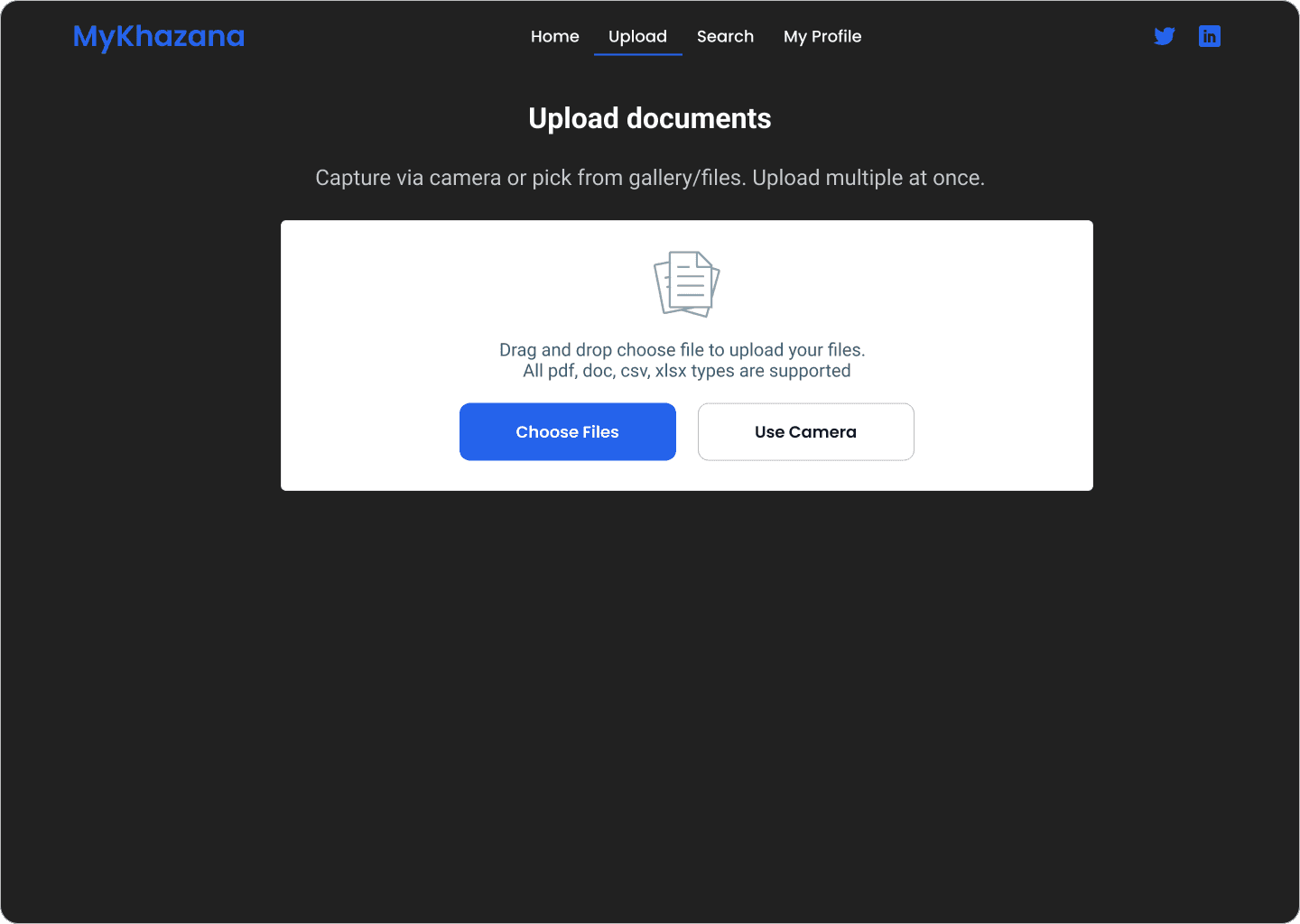
The project focused on designing a document upload and management flow for an enterprise SaaS platform. The goal was to simplify uploading, reviewing, and retrieving documents while providing clear error handling, skeleton loading states, and responsive feedback.
❗ Problem Statement
Users struggled with the existing document upload flow:
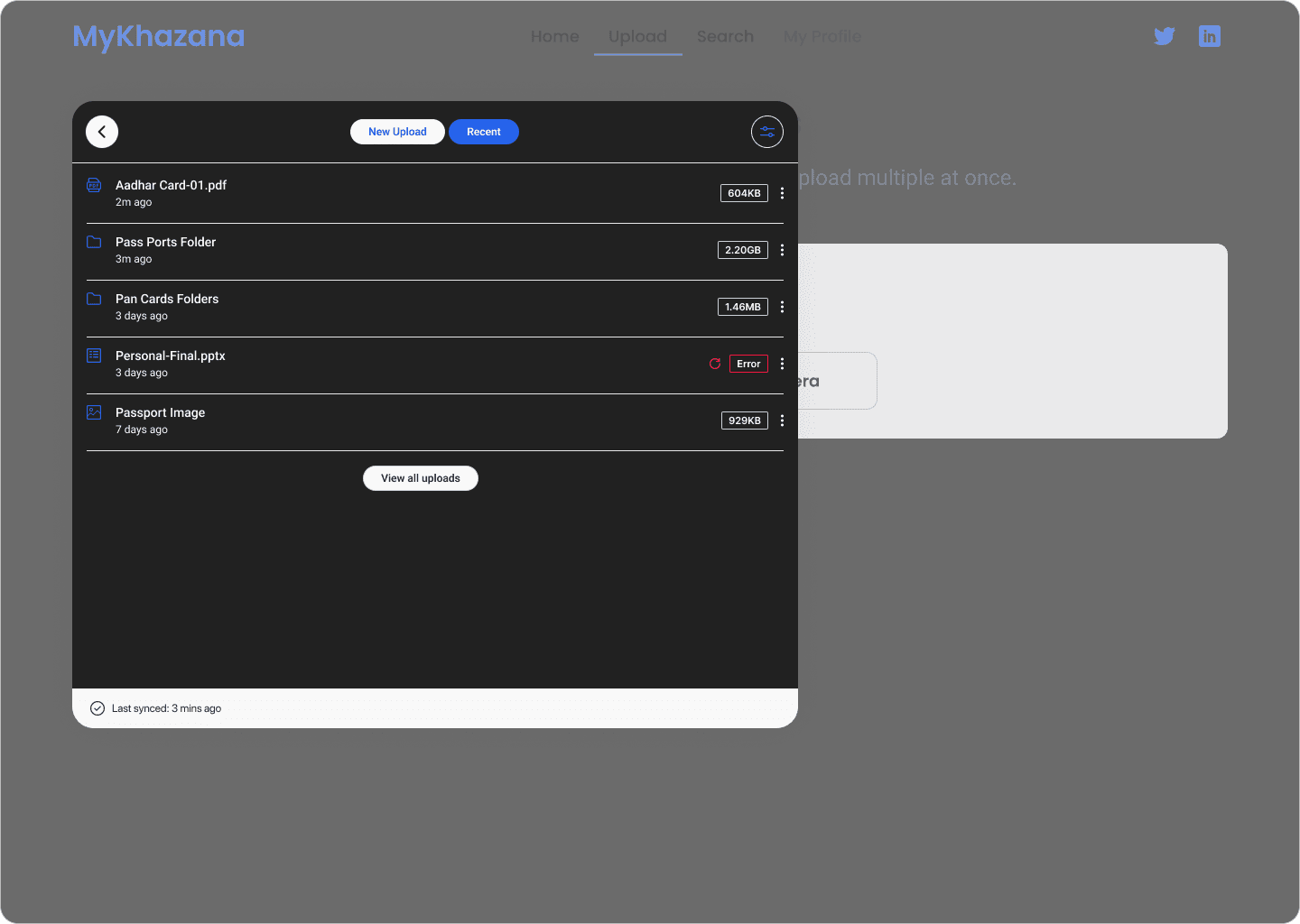
Confusing error messages caused repeated failed uploads.
Lack of loading indicators left users unsure if actions were working.
Inconsistent CTA states (default, hover, disabled) created uncertainty.
Search and retrieval were time-consuming and unintuitive.
This led to user frustration, wasted time, and drop-offs.
🎯 Goals & Objectives
Goals
Streamline document upload & management.
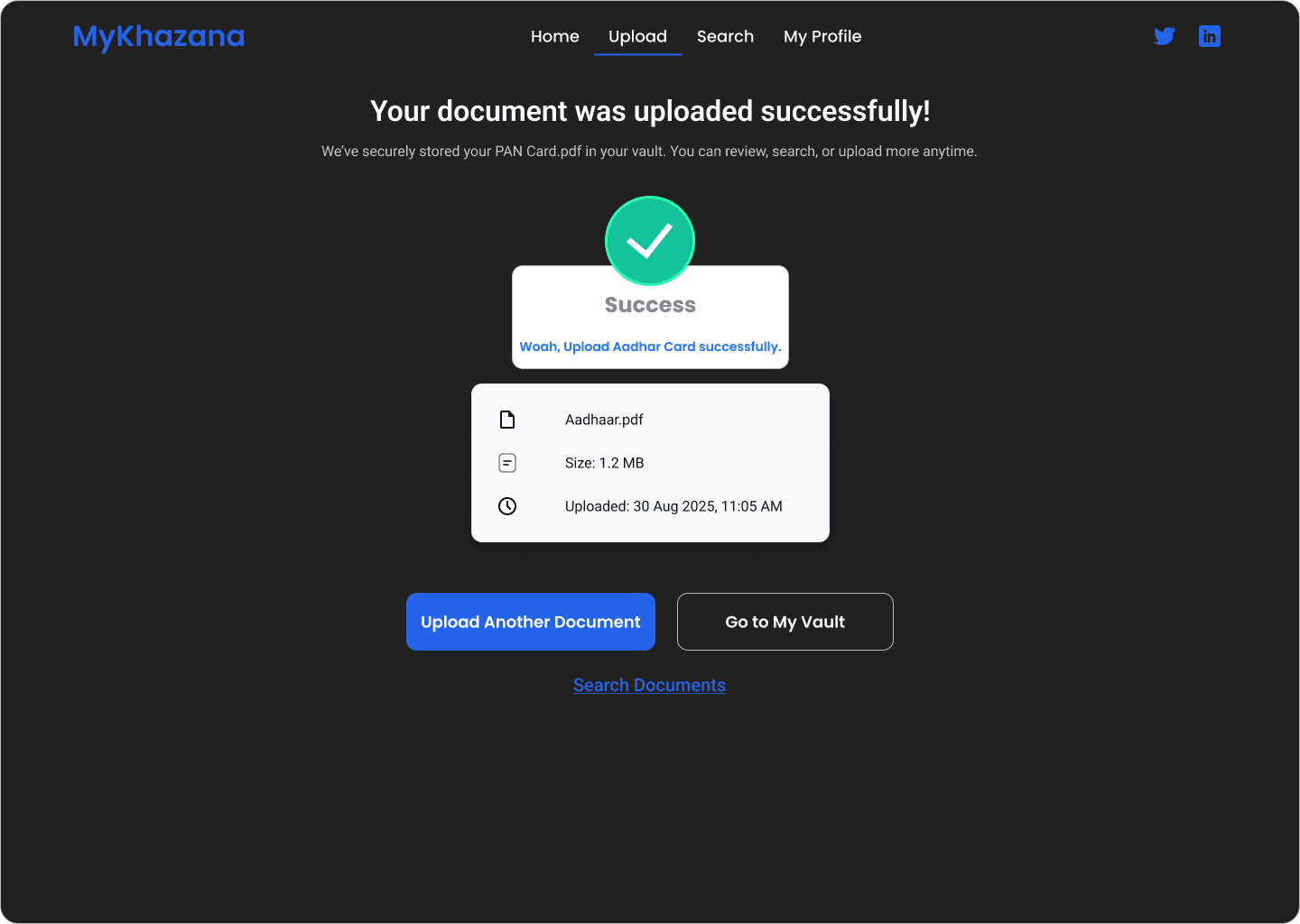
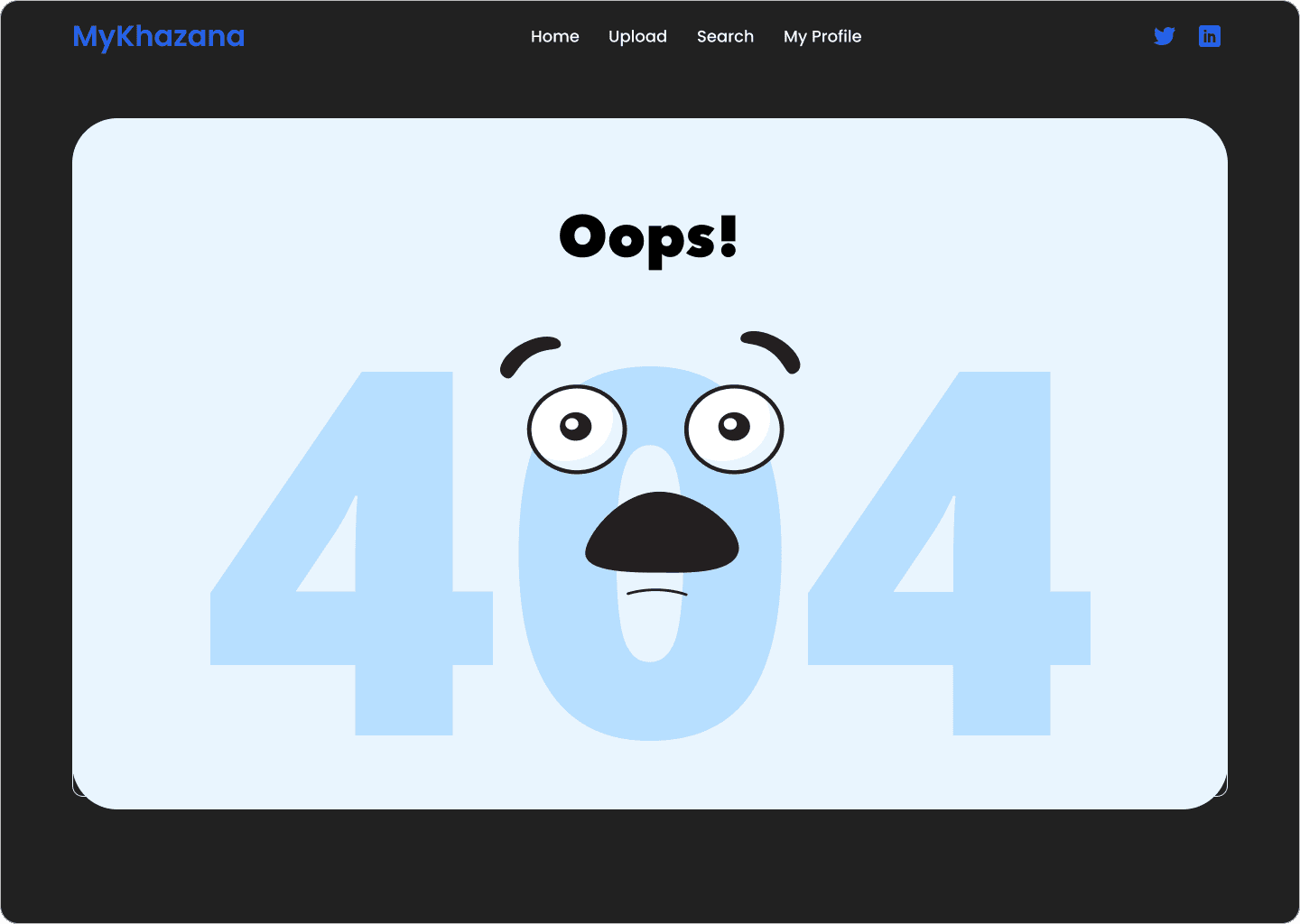
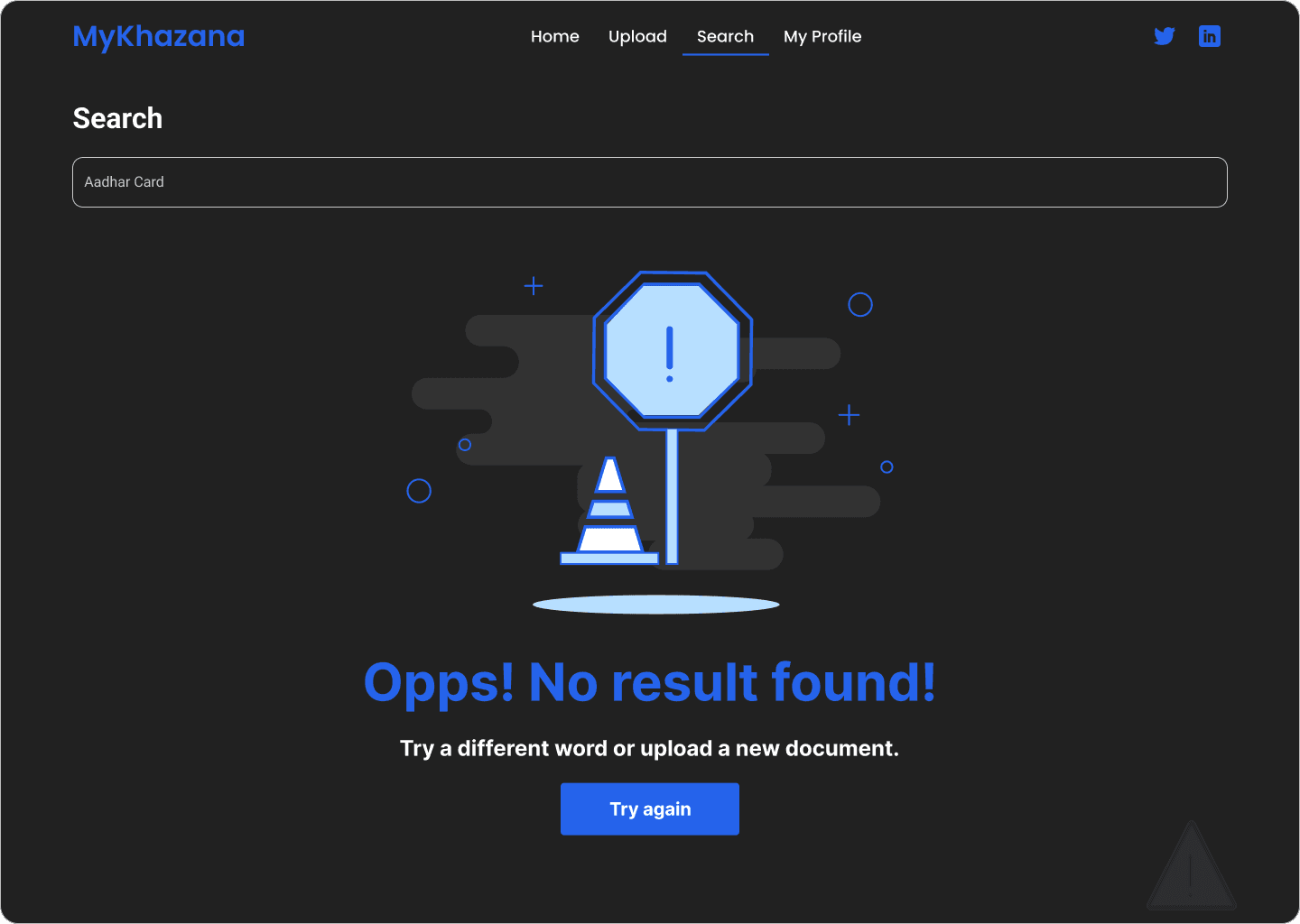
Provide clear, responsive feedback (errors, loading, success).
Enhance task efficiency and user trust.
Build scalable UI components for future use.
Objectives
Map the current journey & identify pain points.
Design wireframes → prototypes → animated flows.
Conduct usability testing with users to validate clarity.
Create CTA and skeleton states for a consistent design system.
📊 Research & Insights
User Interviews: Users wanted “visible confirmation” that uploads were successful.
Competitor Analysis: Tools like Google Drive and Dropbox use skeleton states & animated loaders to improve perception of speed.
Key Finding: Users preferred capsule-shaped CTAs for higher visibility and clearer interaction states.
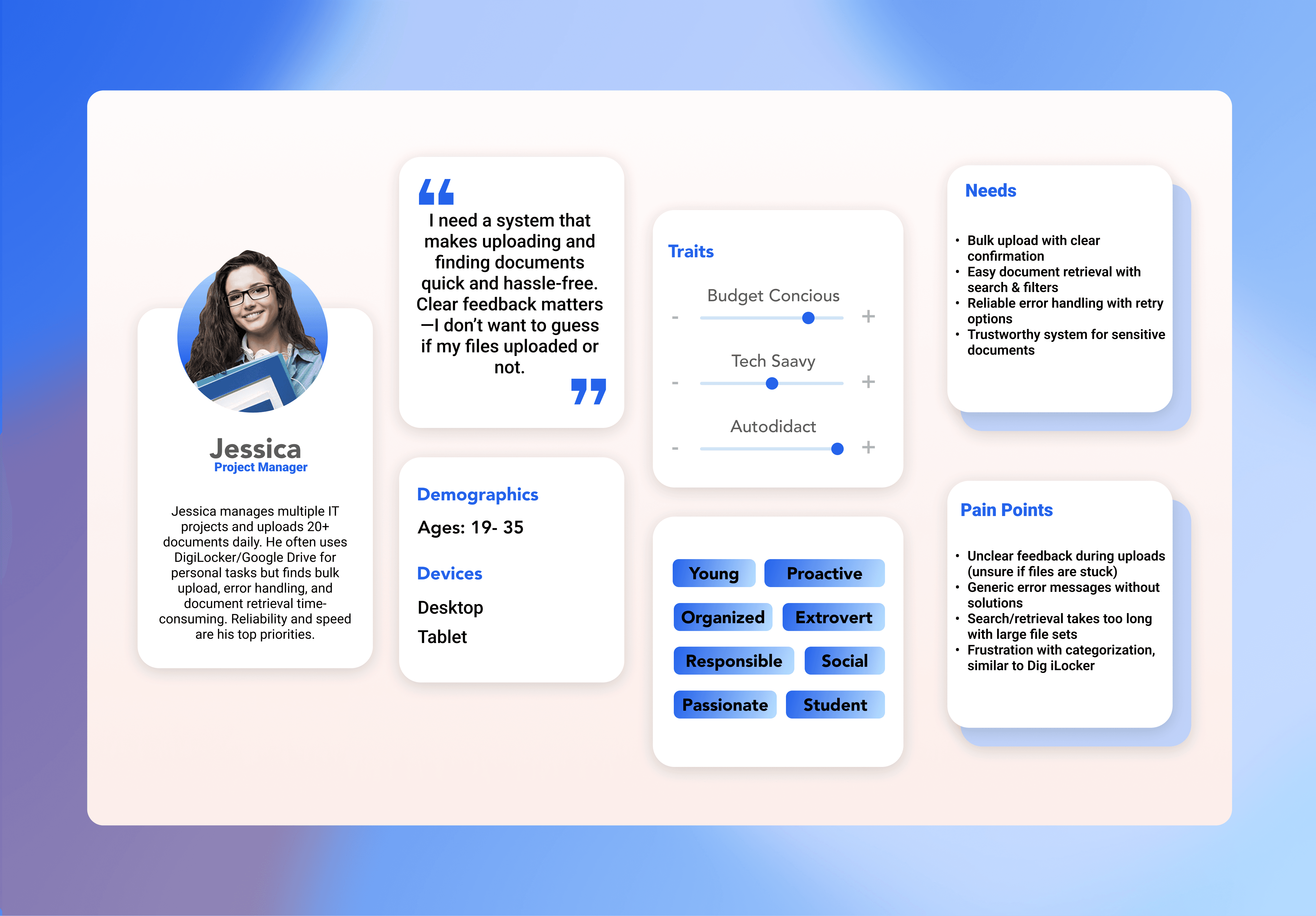
👤 User Persona: Jessica, 29, Project Manager
🖌️Design Process & Iterations
Initial wireframes focused on simplifying the upload → review → error → confirmation flow.
Iterated based on feedback to highlight CTAs and feedback messages.
Wireframes (Low to High Fidelity)
Prototyping & Animation
Built interactive prototypes in Figma with micro-animations for:
Upload progress bar animations
Smooth skeleton loading states
Hover & click transitions on CTAs
Animation improved perceived speed and reduced cognitive load.
🖌️ Design System Contributions
CTA Buttons: Default, Hover, Selected, Disabled, Capsule styles.
Loading & Skeleton States: Improved feedback during data fetch and upload.
Reusable Elements: Standardized error states, input fields, and navigation elements.
Created a component library for consistency:
Impact: Faster design iterations, easier developer handoff, and improved UI consistency.
🌓 Accessibility Focus
Inclusive design was a core priority.
The UI follows WCAG guidelines for accessibility.
Implemented high-contrast color themes.
Large, tap-friendly buttons and clean, legible typography ensure usability for seniors and visually impaired users.
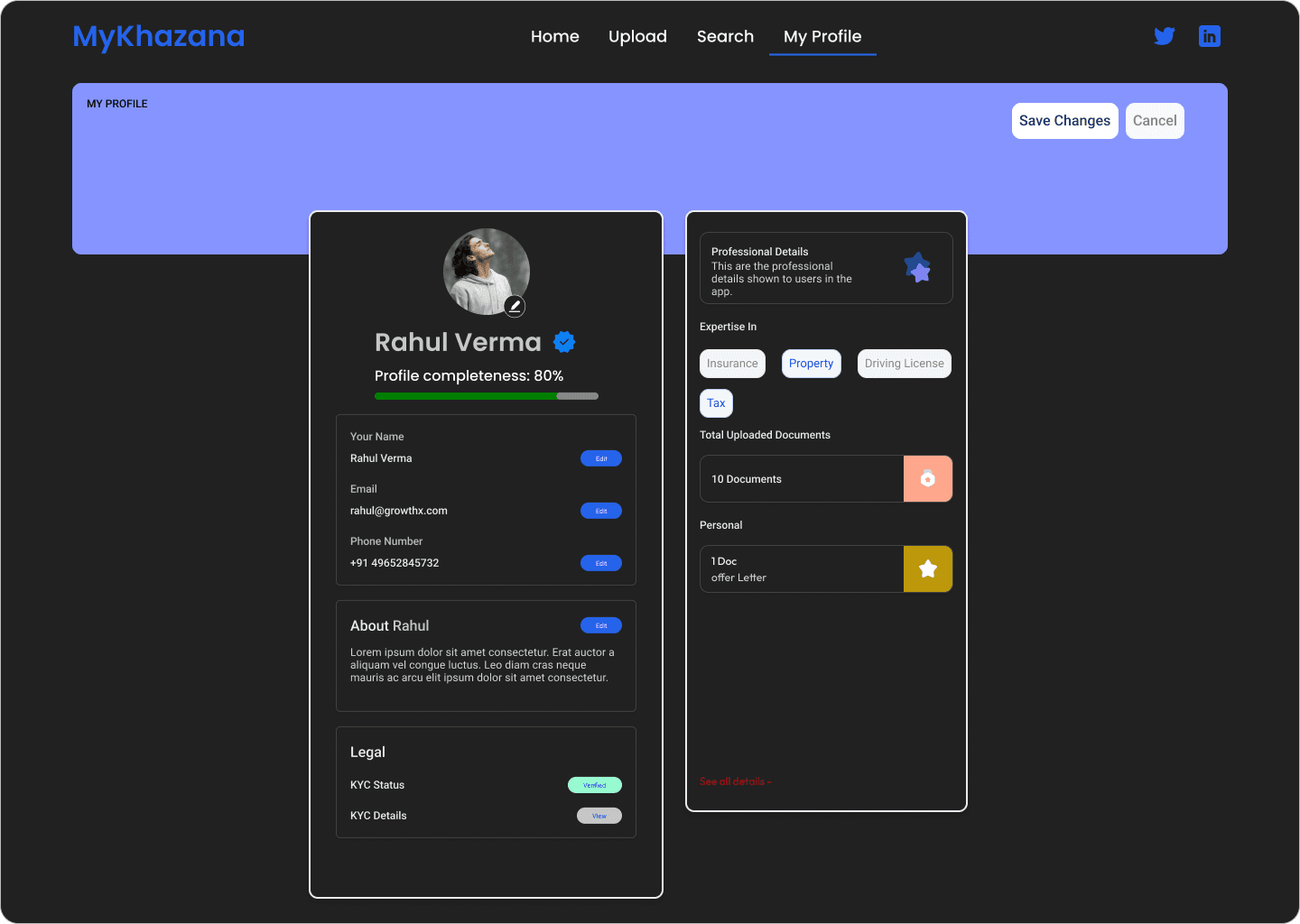
🎨 High-Fidelity Screens – Light Mode
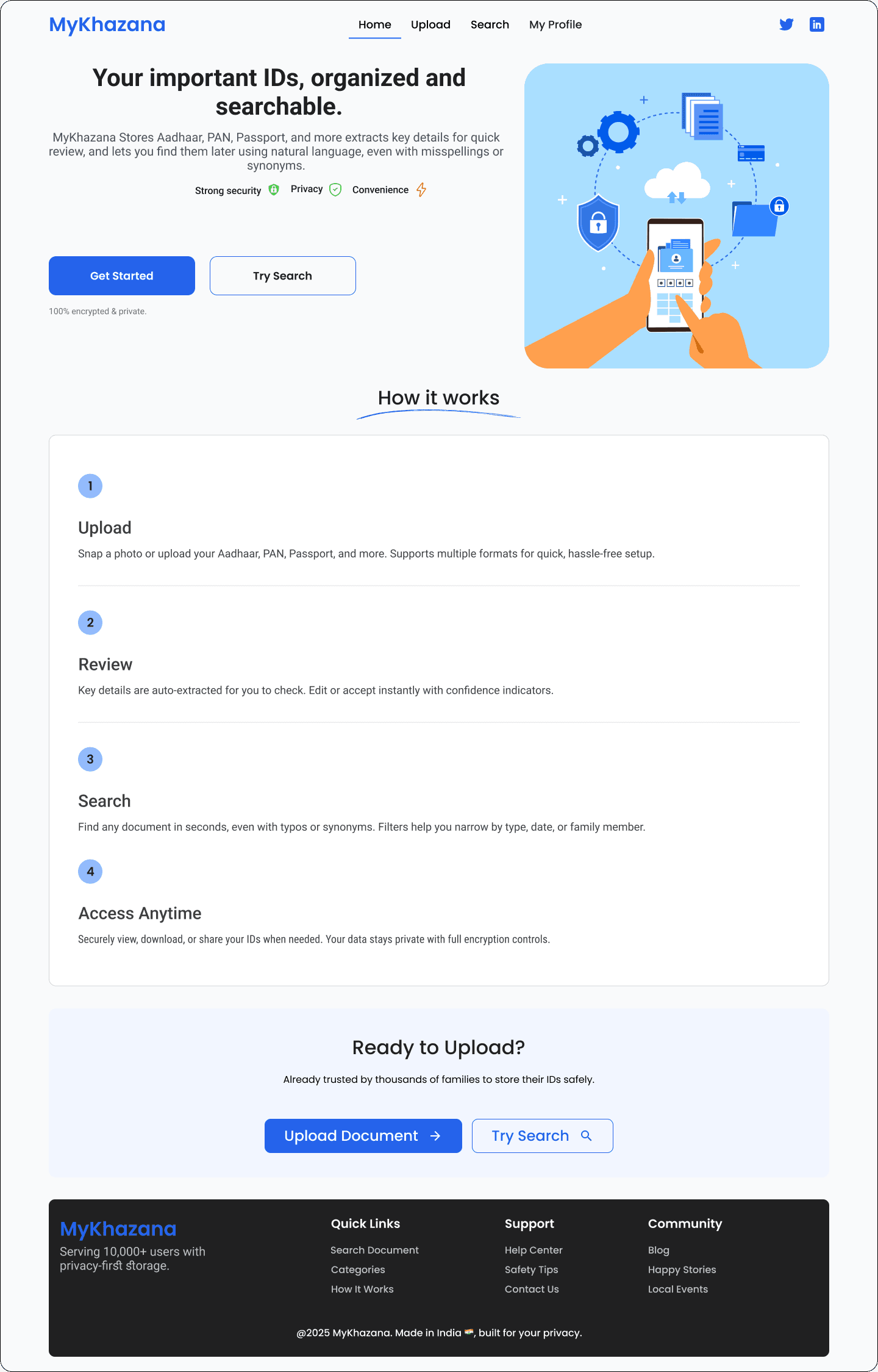
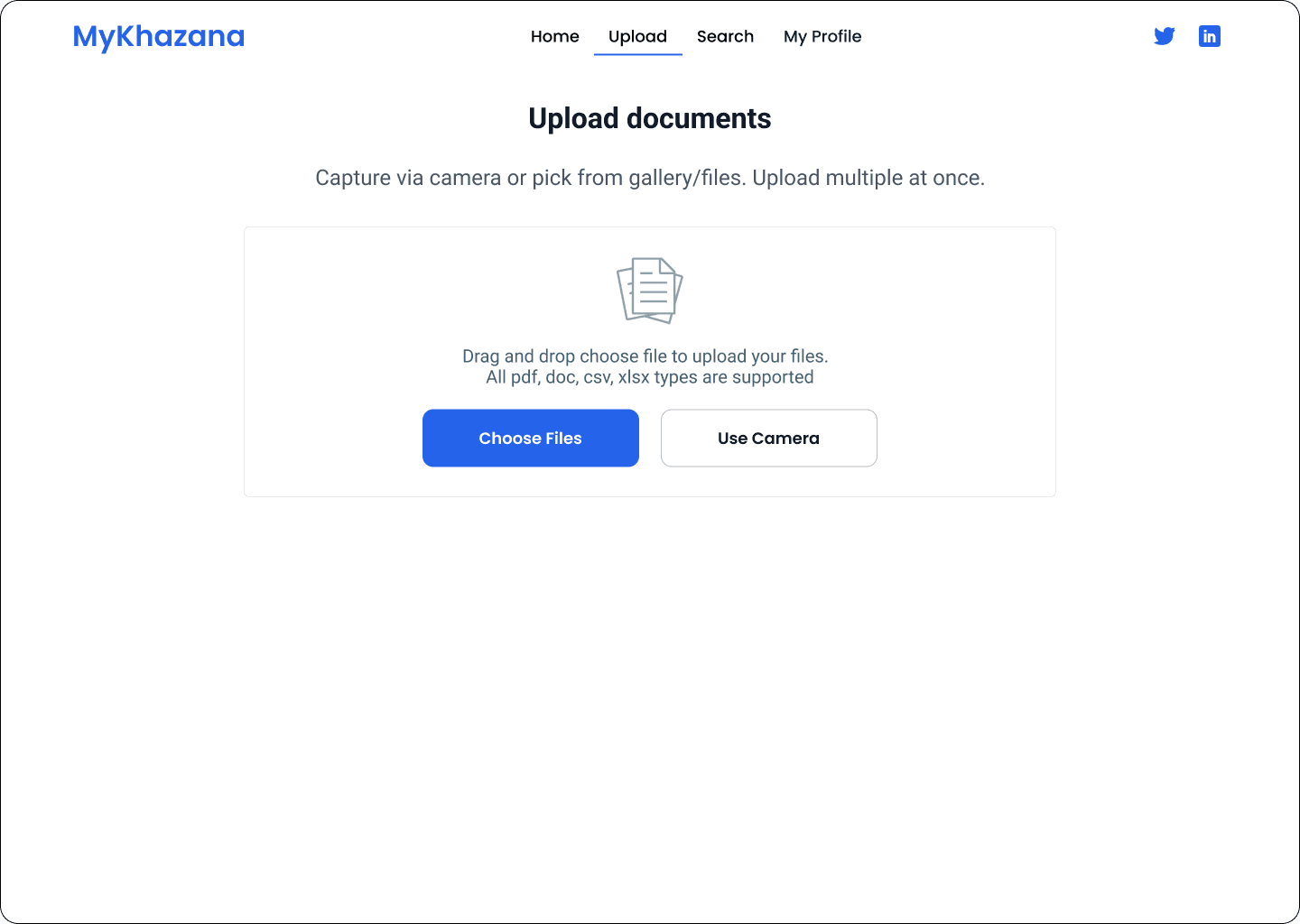
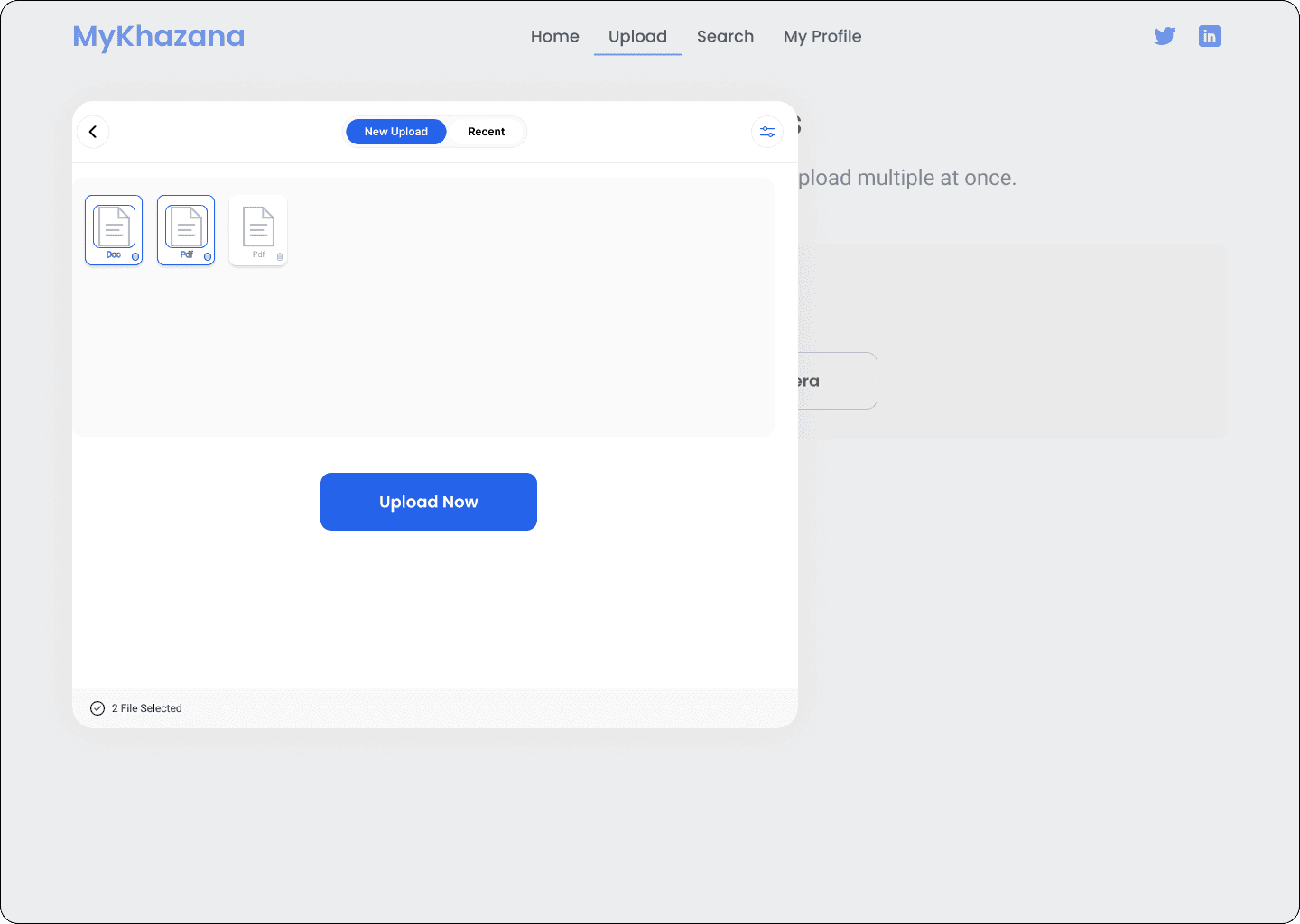
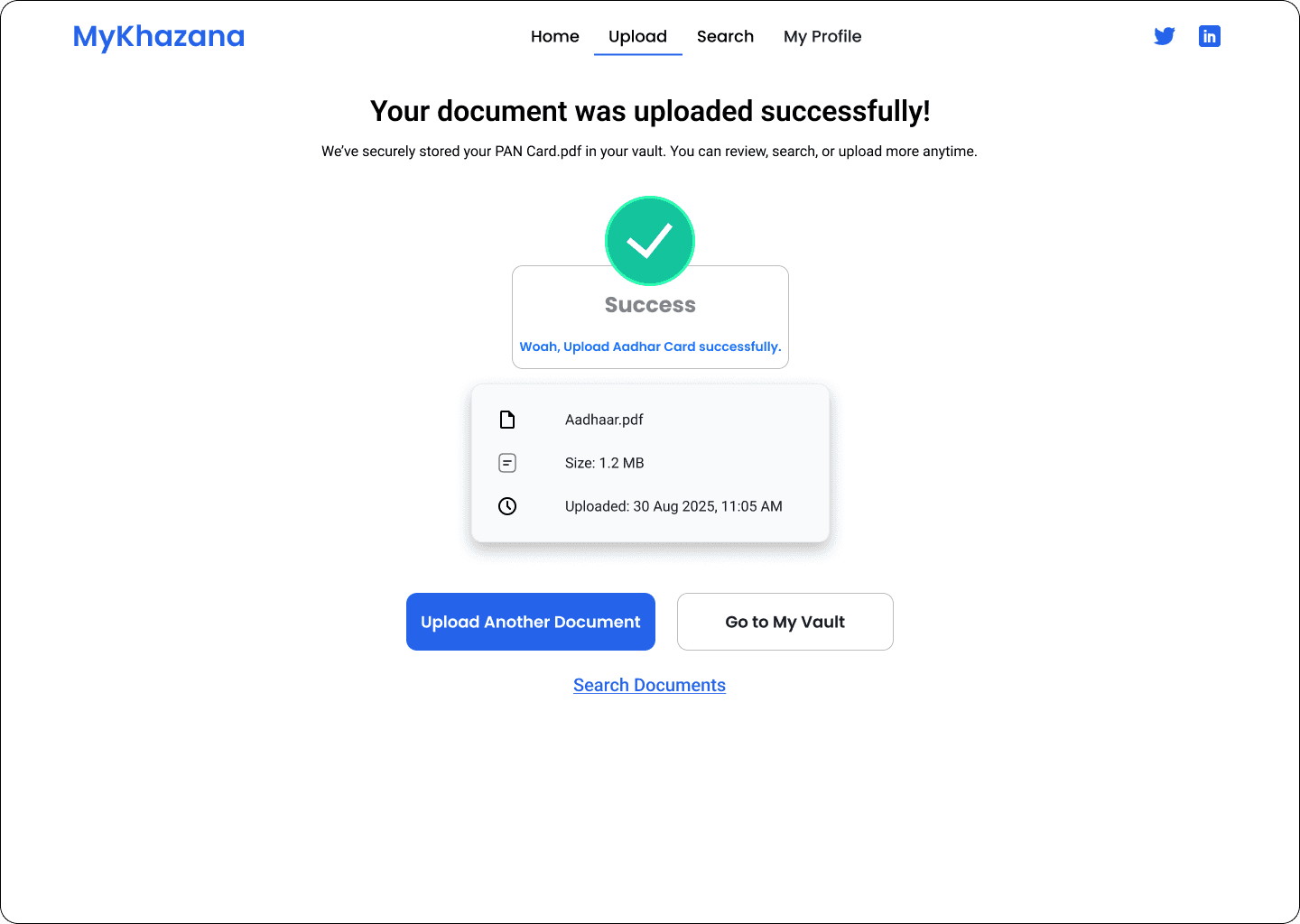
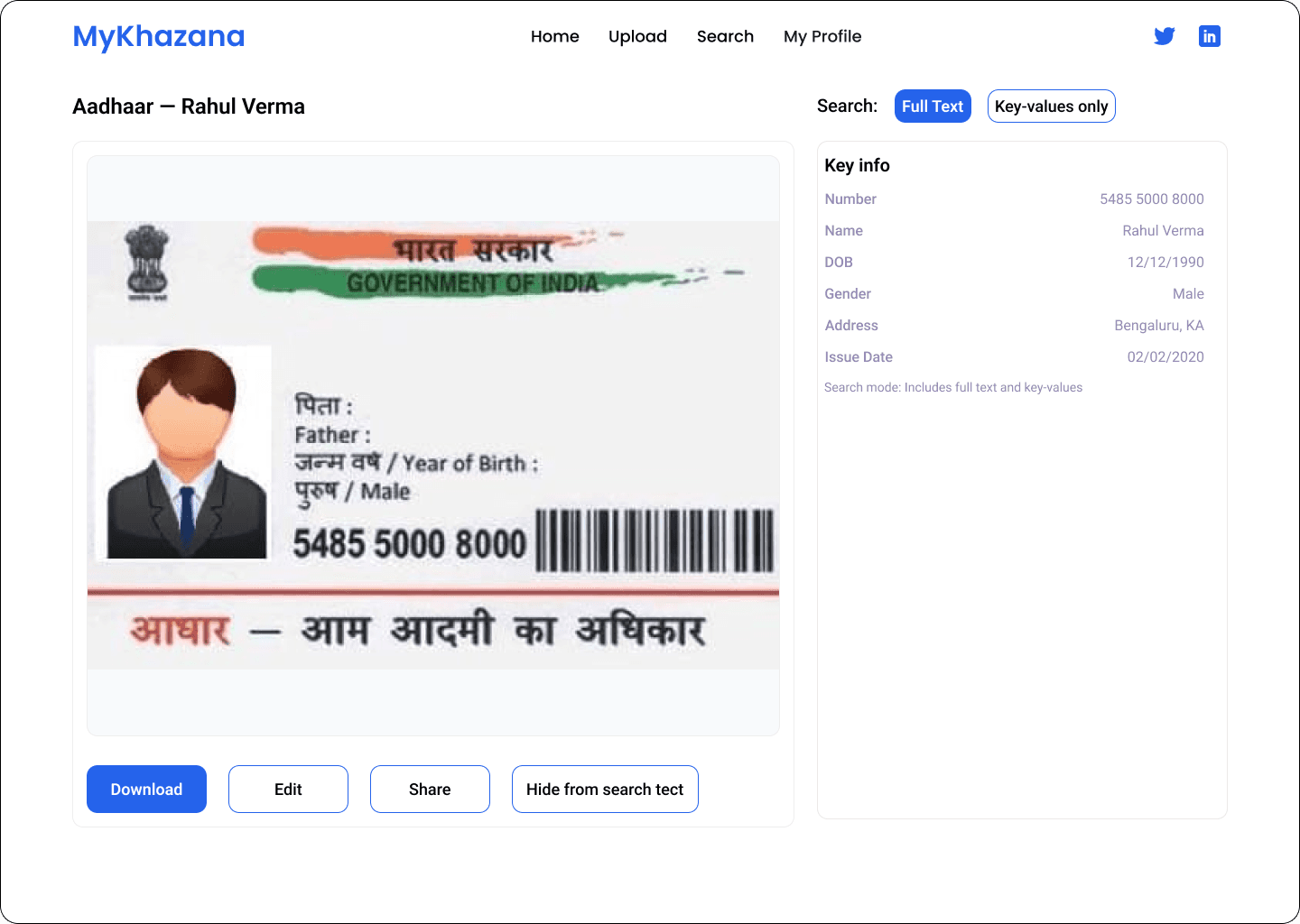
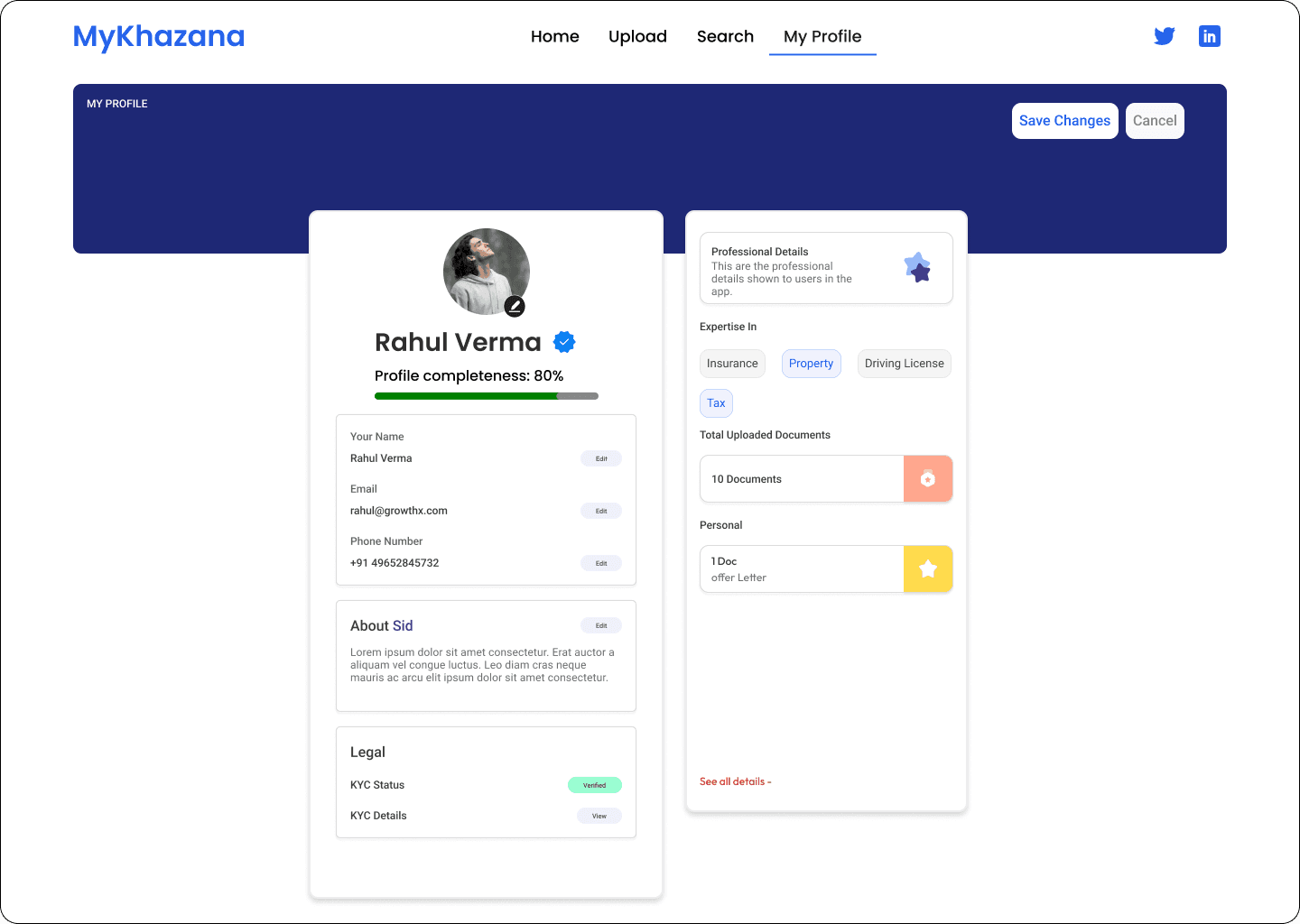
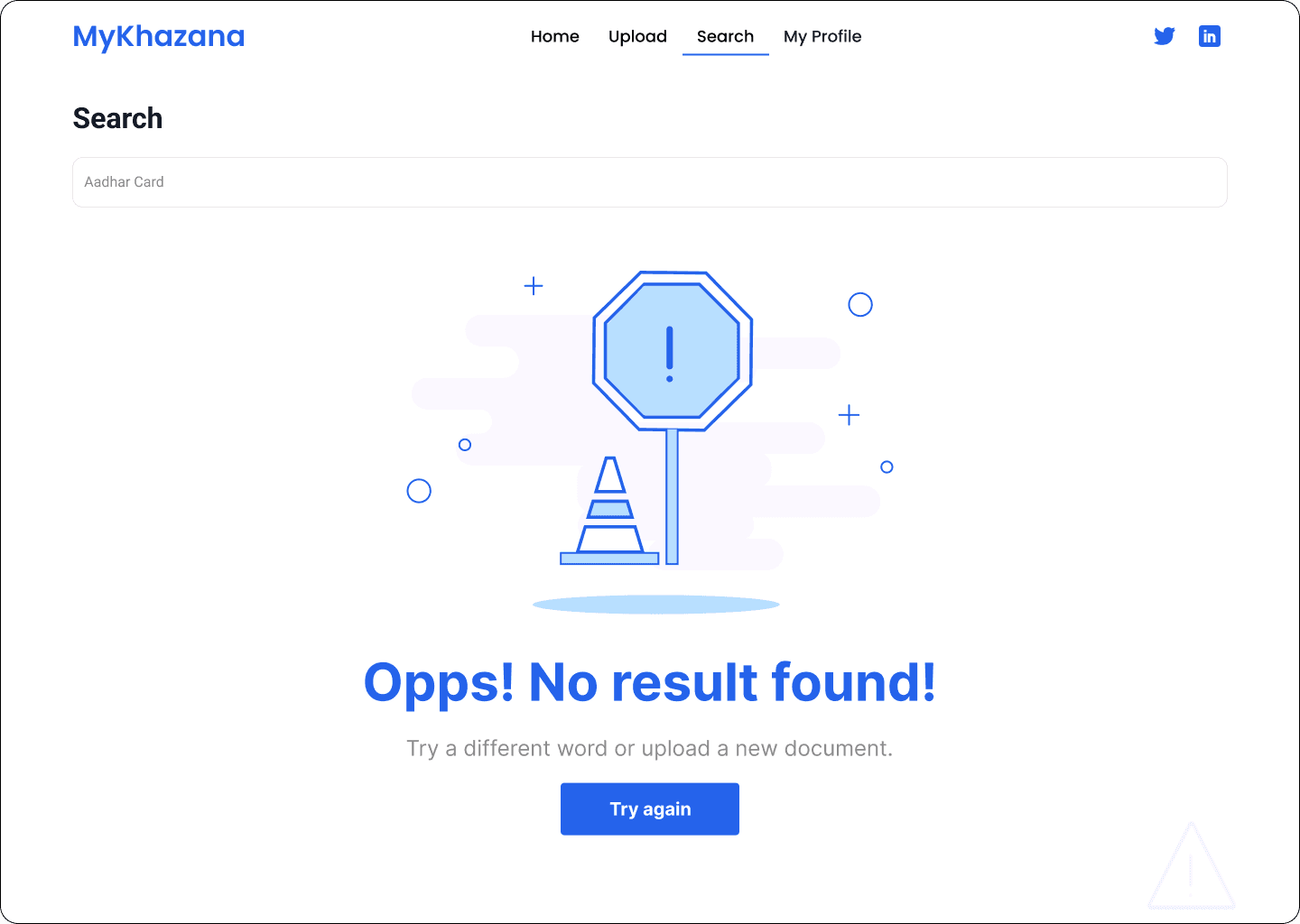
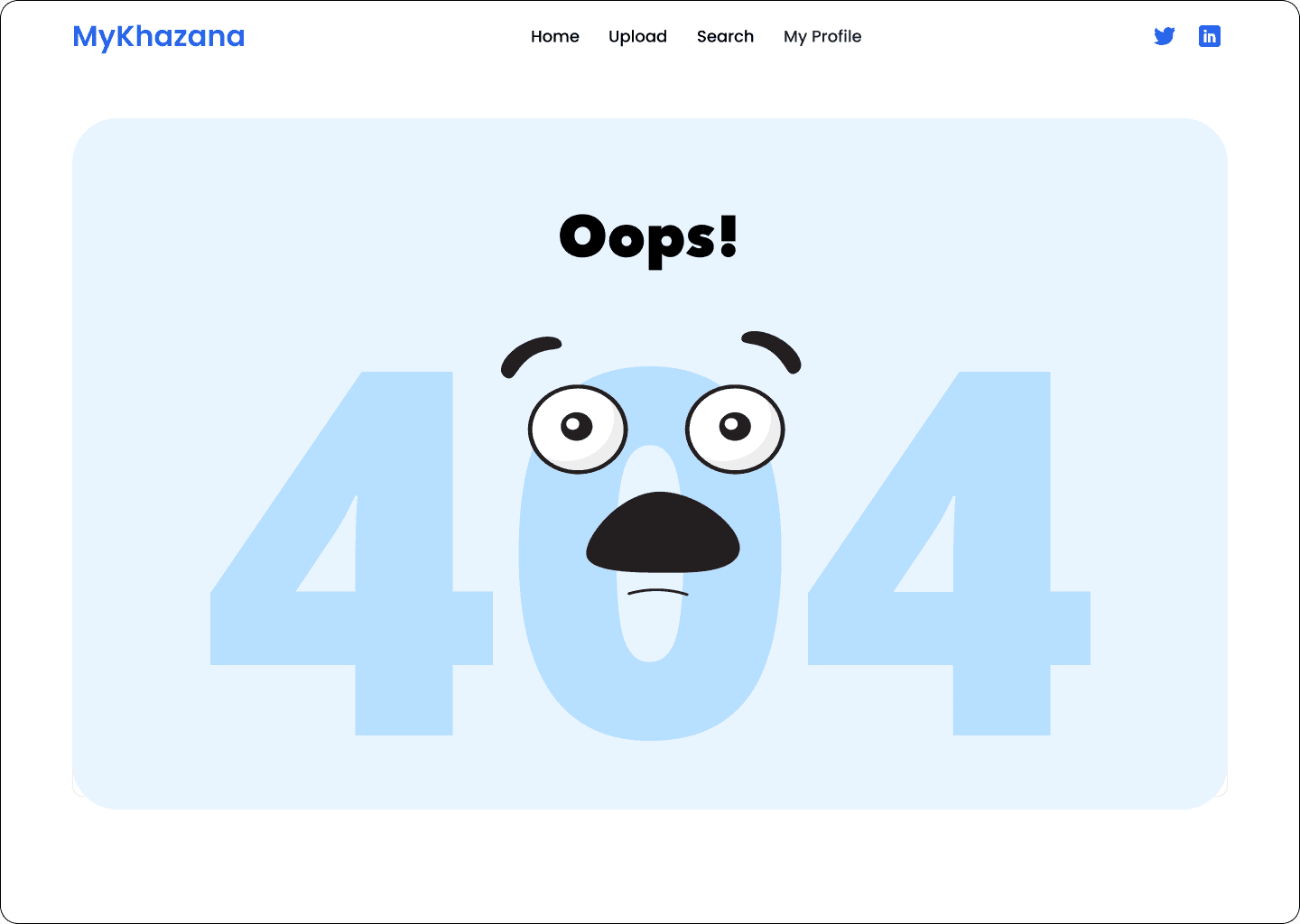
🎨 High-Fidelity Screens – Dark Mode

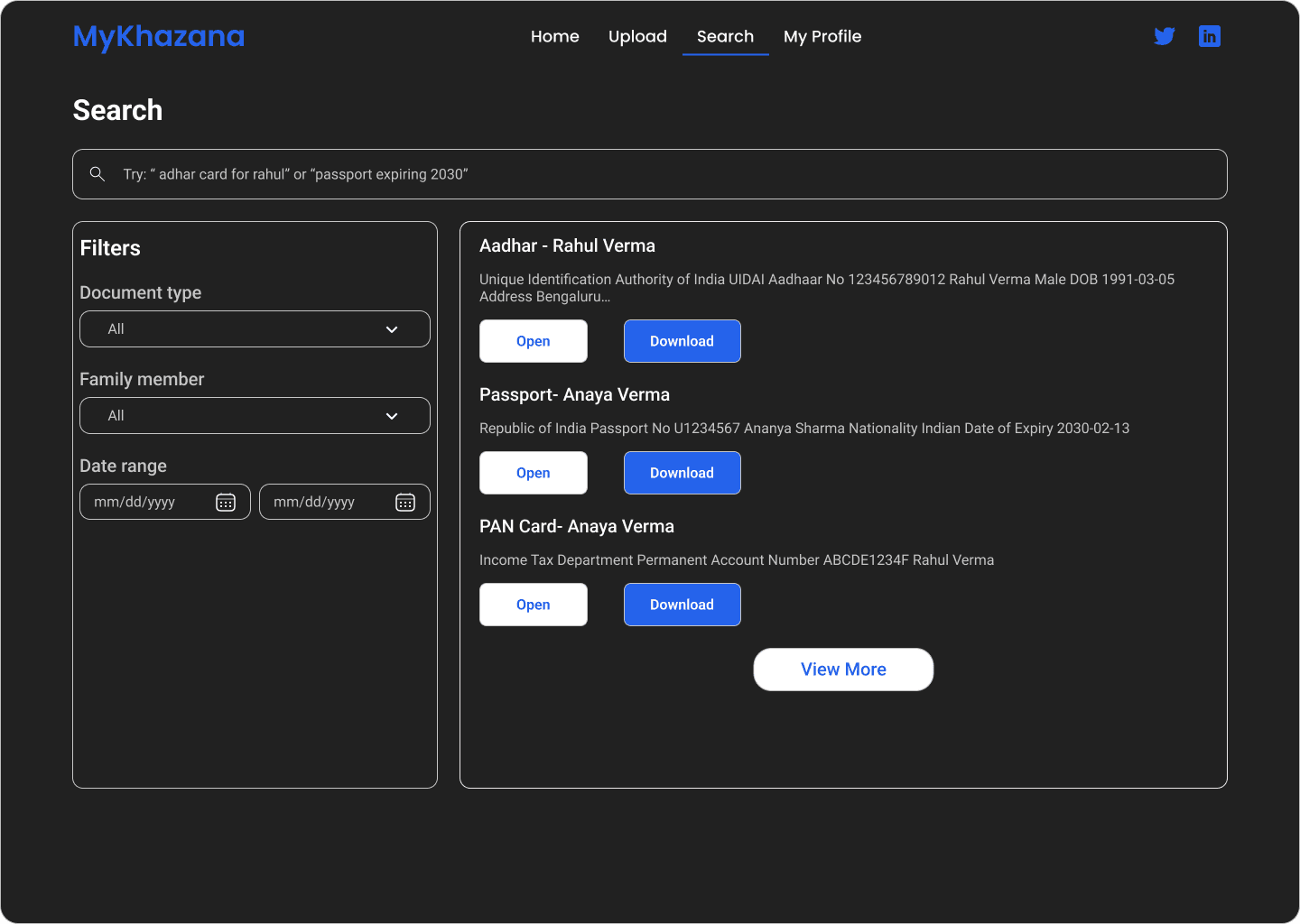
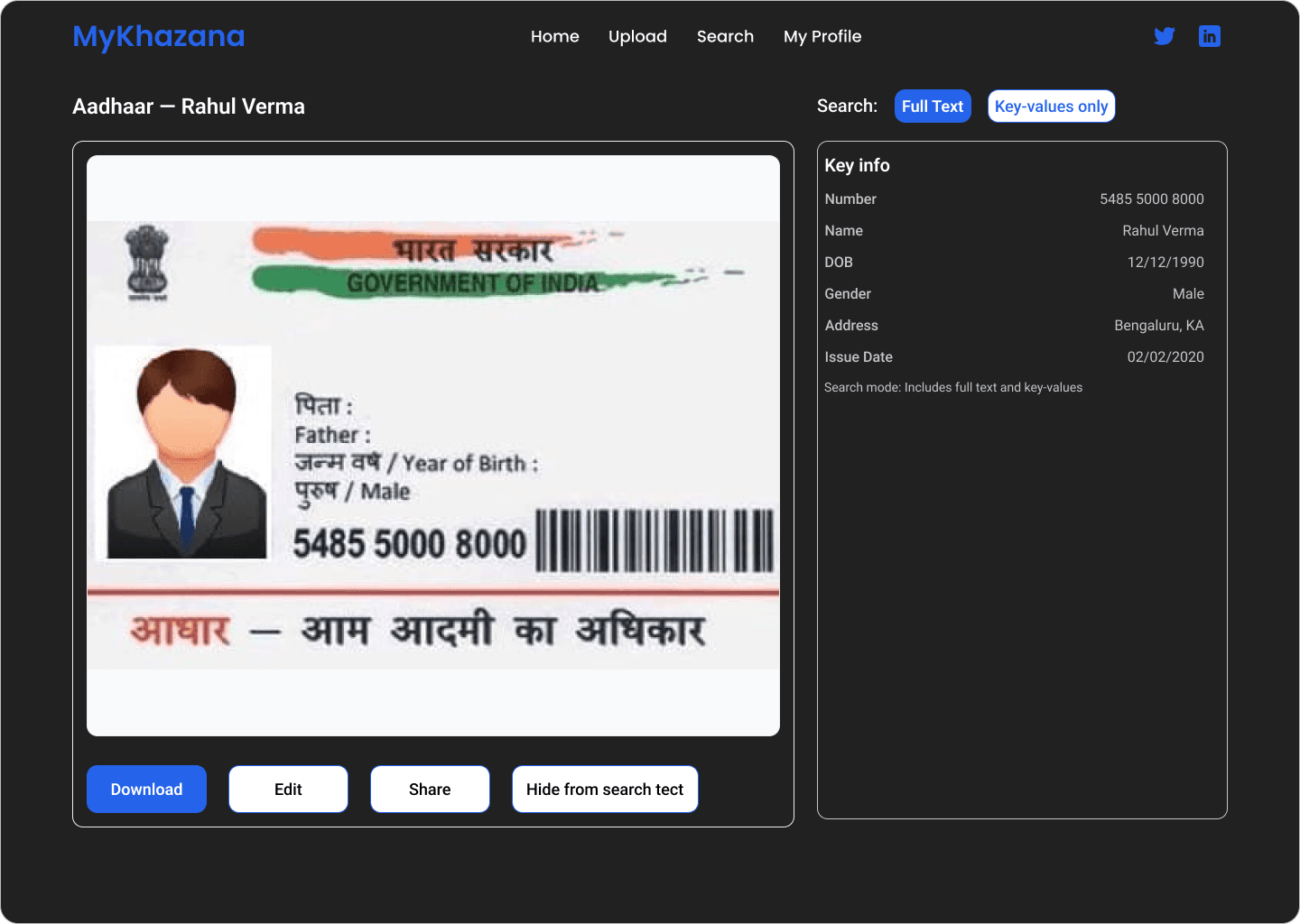
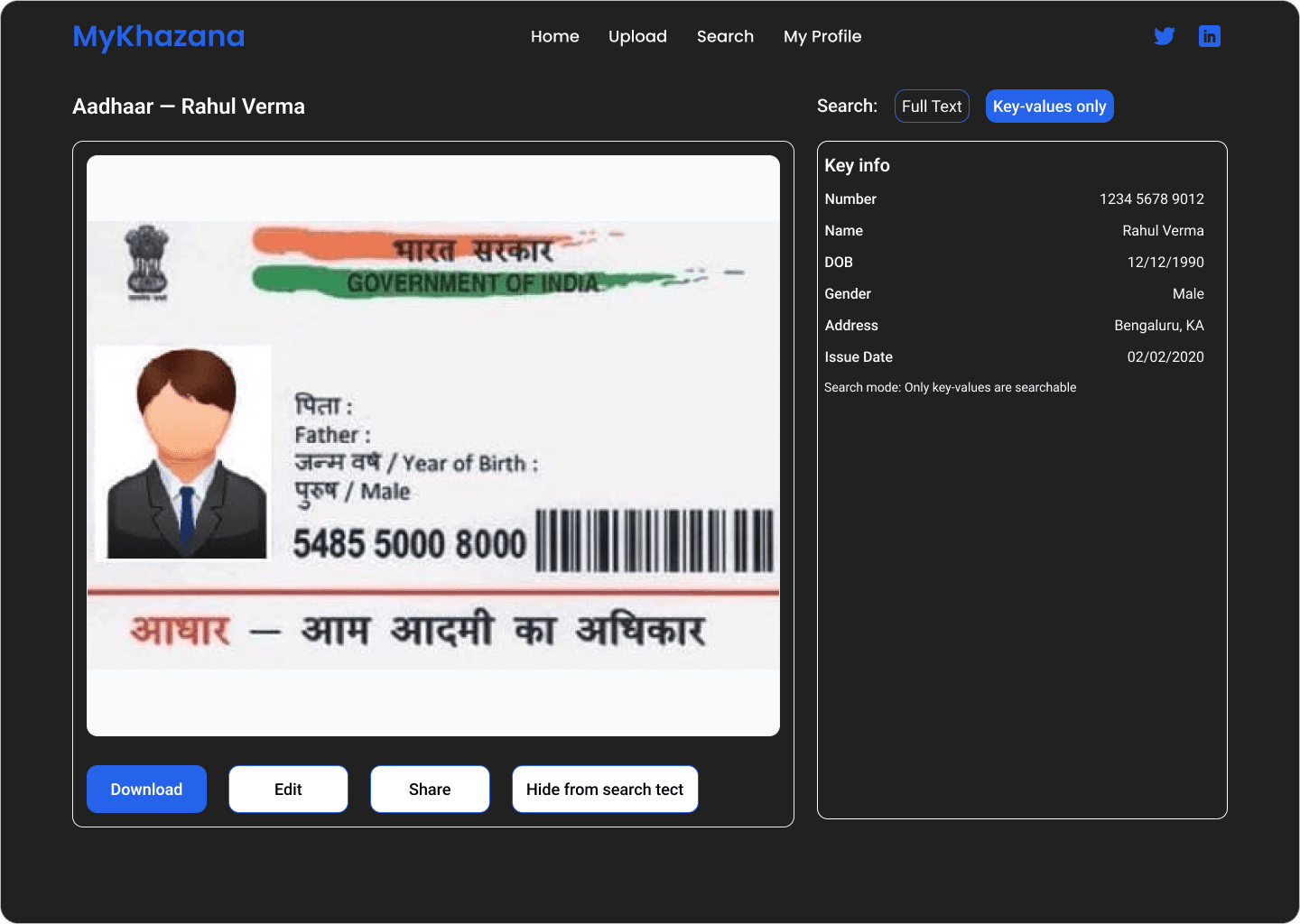
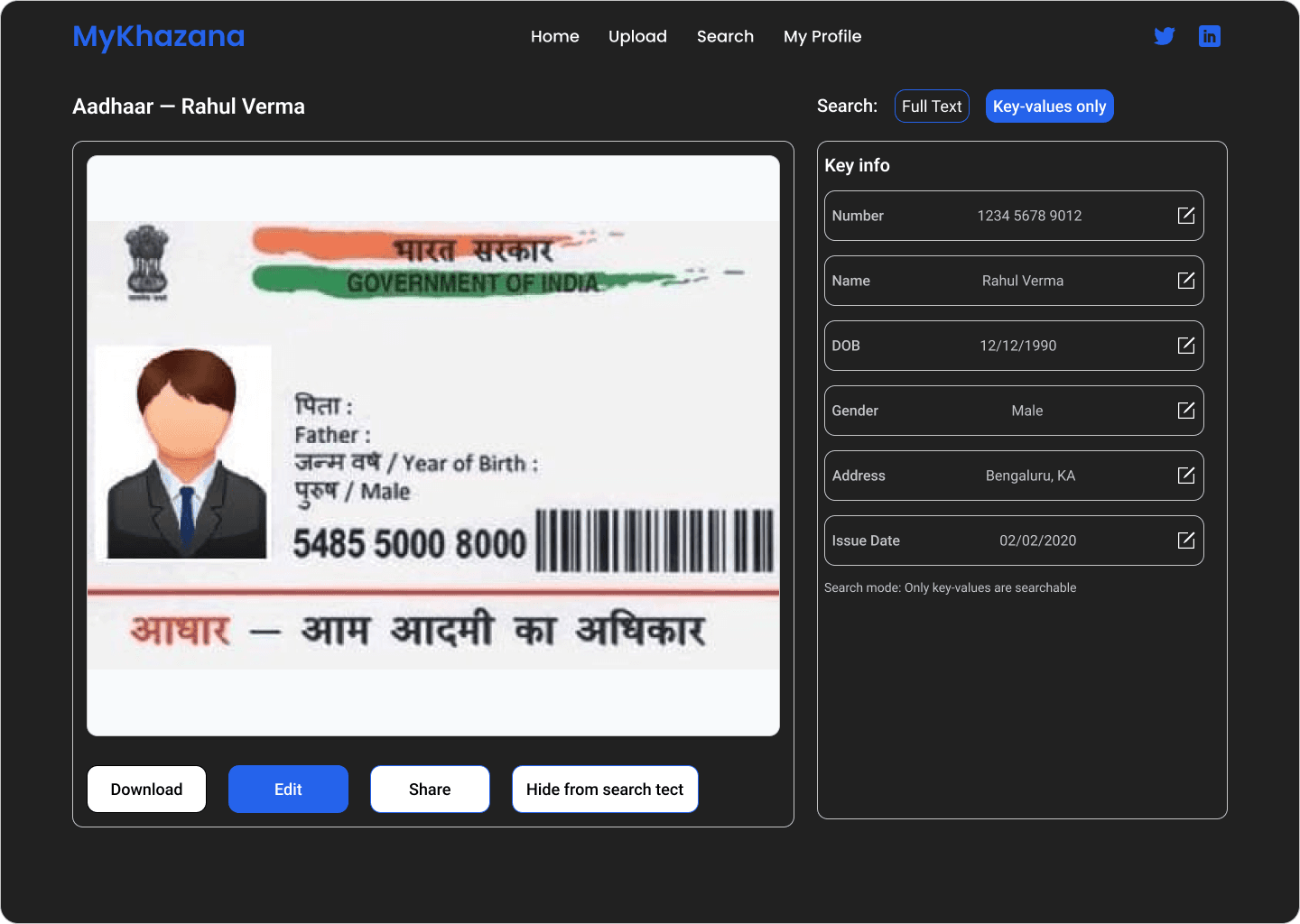
Prototyping Figma Link
https://www.figma.com/design/pXHxY6HGcGAWTiMoJ8Qxbg/MyKhazana?node-id=0-1&t=vkEKFmADqYiSBPjP-1
Typography:
Style | Font | Size | Weight |
|---|---|---|---|
Heading 1 | Roboto | 40px | Bold |
Heading 2 | Roboto | 20px | Medium/Regular |
Heading 3 | Roboto | 16px | Medium |
CTA / Button | Roboto | 16px | Bold |
Body Text | Roboto | 16px | Regular |
Caption | Roboto | 18px | Regular |
Label / Note | Roboto | 12px | Regular |
✅ Impact & Outcomes
Increased task success rate by 40% in testing.
Improved trust and satisfaction through responsive feedback.
Established a mini design system for scalable use.
Reduced user drop-offs during upload.
🧭 What I Learned
Prototyping with animations helped validate interactions early.
Building components early saved time in later iterations.
Small details (loading, error states, CTA variations) have a big impact on UX.
🚀 Next Steps
Extend design system to include bulk uploads & advanced filters.
Add mobile responsiveness for wider accessibility.
“Passionate about building efficient SaaS solutions? Let’s connect!”
My Khazana-Document Upload & Management Flow